
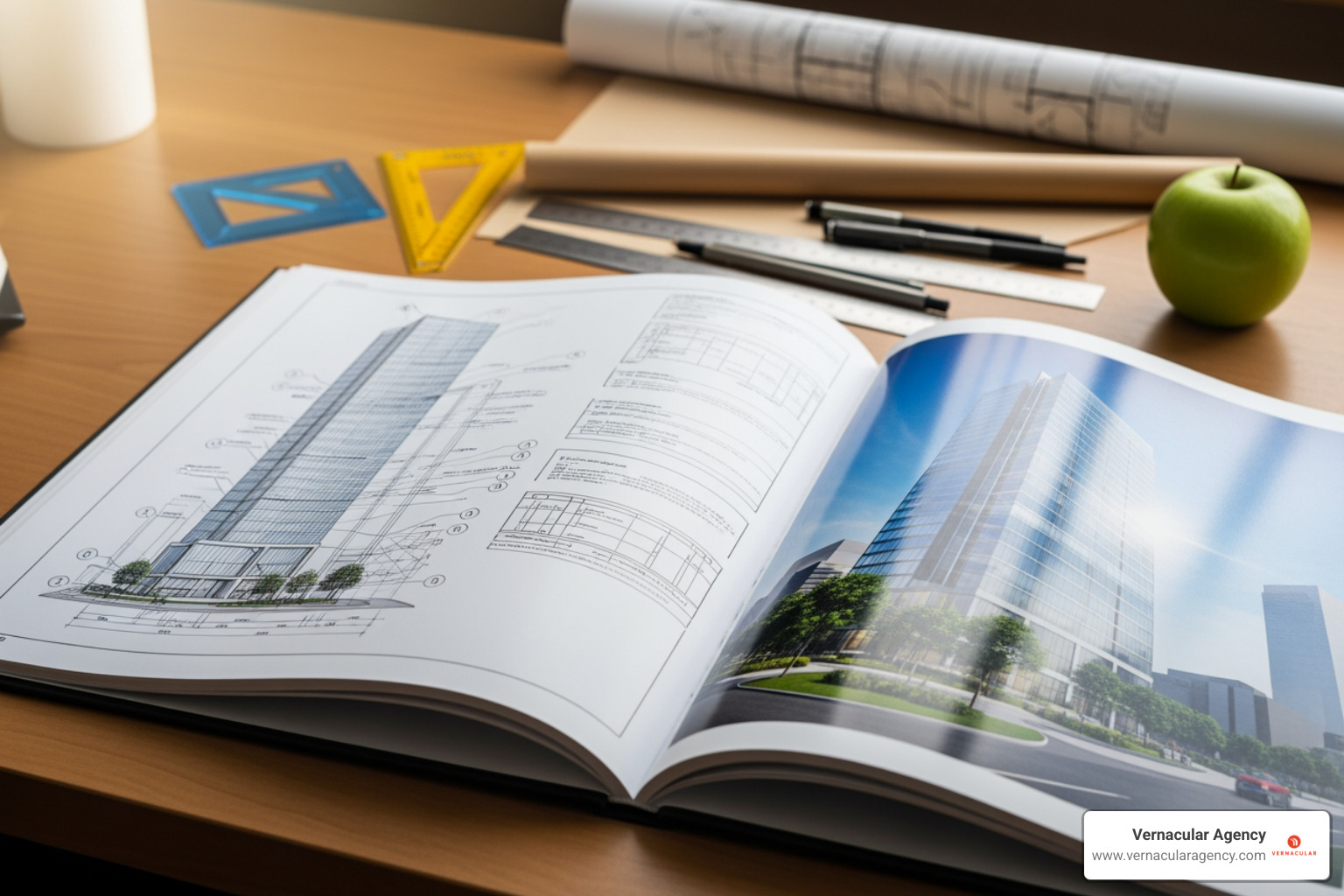
Architect portfolio design is the strategic creation of a visual showcase that communicates your skills, creativity, and design philosophy. It's often the first impression you make on potential employers, clients, or academic institutions.
Essential Elements of Architect Portfolio Design:
In today's competitive field, a well-designed portfolio is a strategic tool, not just a collection of images. It serves as "a testament to one's skills, creativity, and professional journey," demonstrating your attention to detail and ability to communicate complex ideas visually. A great portfolio "encapsulates your journey as an architect, highlighting your growth, unique style, and technical abilities."
This requires being selective, maintaining visual consistency, and ensuring every element reflects the professionalism you bring to your architectural work. Whether you're a student, a recent graduate, or an established professional, the principles are the same: quality over quantity, clear visual hierarchy, and a compelling narrative.
I'm Rebecca Falzano, Creative Director at Vernacular Agency. With nearly 15 years of experience guiding content creation and design for architects, I've learned that successful portfolios balance stunning visuals with clear communication. This guide will help you build a portfolio that opens doors.
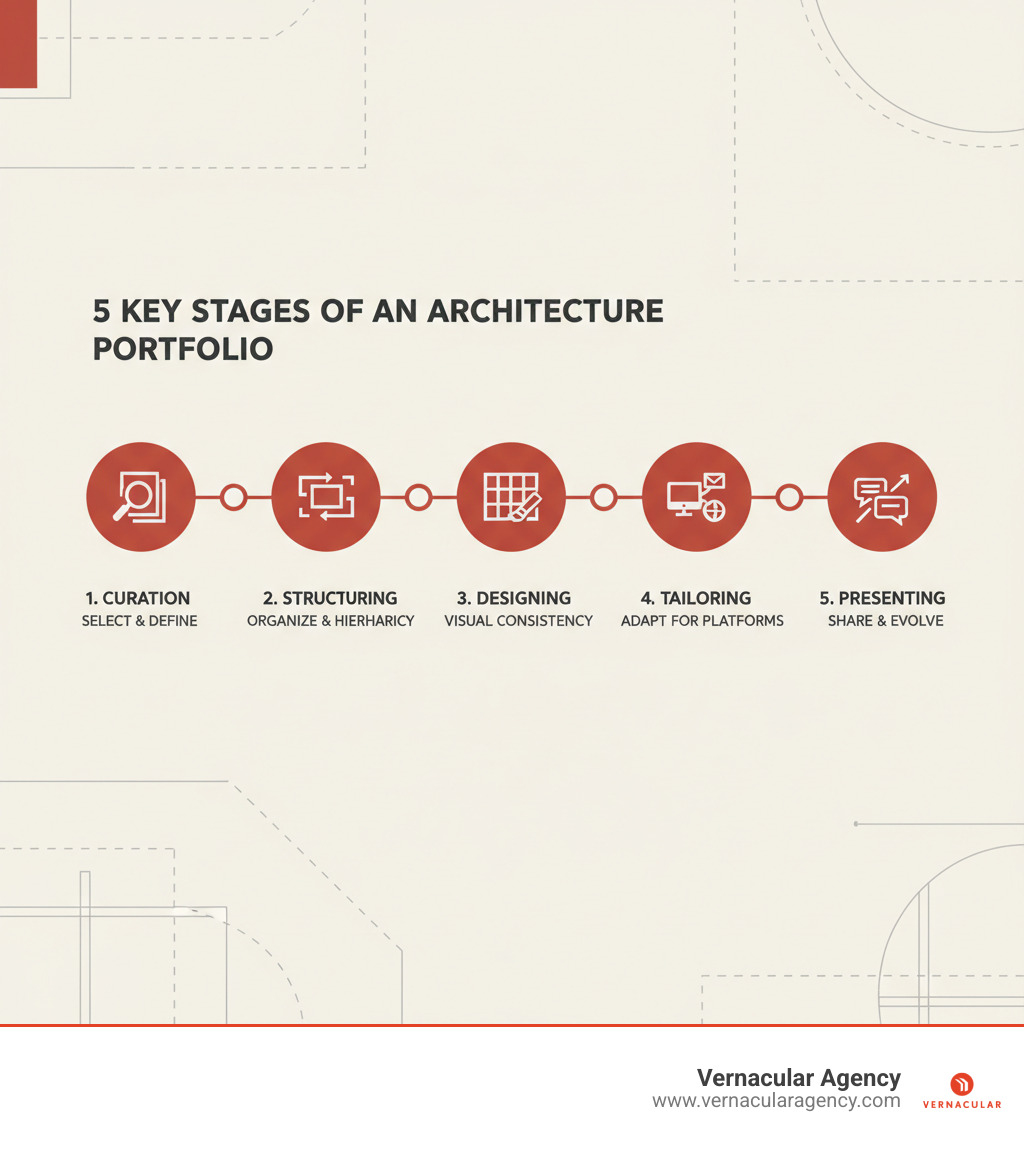
Architect portfolio design terms to know:
The most critical decision in architect portfolio design is choosing which projects to include. Be ruthlessly selective. Think of your portfolio as a greatest hits album, not a complete discography. Most architecture programs ask for just "six to 12 digital images," a constraint that forces strategic thinking.
Your goal is to tell a story. Your portfolio should be "a curated narrative that showcases an individual's ability to conceptualize, design, and implement architectural marvels." Each project must earn its place by demonstrating a different facet of your abilities.
Quality always beats quantity. One well-documented project showing your full design process is stronger than five projects with only final renderings. Include work that expresses your "creativity, passion and intellectual curiosity."
Reveal how you think, not just what you've made. Show the messy middle—sketches, failed attempts, and pivots. These moments demonstrate your problem-solving abilities and tell "rich stories about people." When reviewers can follow your thought process, they understand what it's like to work with you.
Need help shaping your visual story? More info about Content Creation & Creative Direction can guide you. For inspiration, Explore inspiring portfolios on Behance to see how other architects present their work.
Once you've selected your projects, organize them into a structure that's "clear, understandable, and enjoyable to steer." The order matters.
Start with your best work. Place your most impressive project first and another showstopper at the end to create a memorable frame. For the projects in between, consider two main strategies: chronological or thematic.
Reverse chronological order (most recent first) is effective for job applications, as it shows your current skill level. Thematic organization, grouping projects by type or scale, works well to highlight versatility or target a specialized firm.
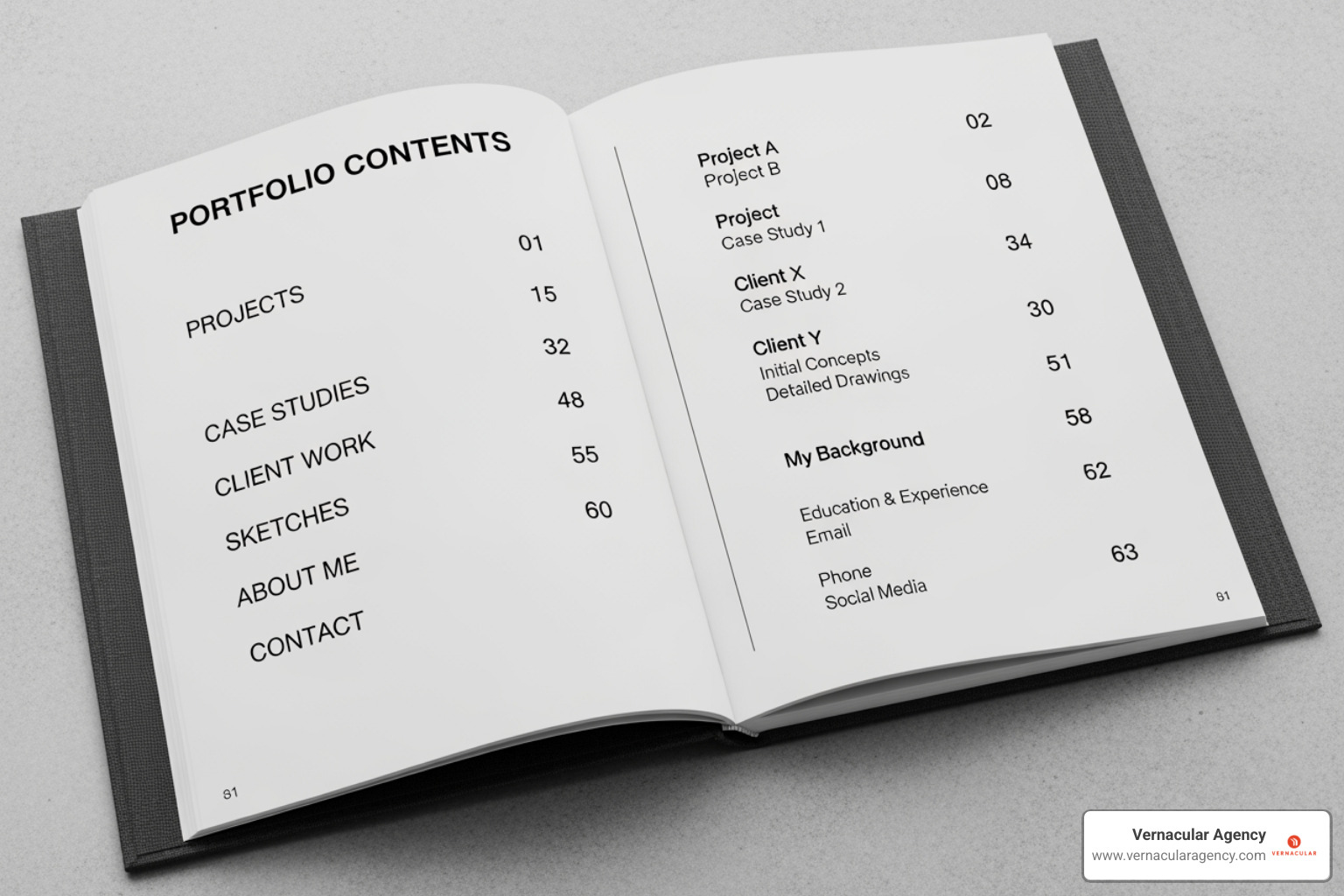
Every strong architect portfolio design needs essential pages: a compelling cover, a brief introduction about your design philosophy, and a table of contents for easy navigation.
For each project, write concise descriptions that "outline your role and contributions." Be explicit about what you did, whether it was leading conceptual design, handling technical drawings, or managing client presentations. This is crucial for clarifying your capabilities on team projects.
Whether to include academic or professional work depends on your career stage.
For students, academic projects are expected. Universities want to see your "visual arts flair" and design thinking. Studio work and thesis projects demonstrate your potential to explore ideas without real-world constraints. Pre-college architecture programs are also valuable for building "portfolio-quality" work early.
Once you have professional experience, the balance shifts. Experts recommend "prioritizing professional experience upfront to demonstrate practical expertise early on." Real-world projects prove you can collaborate, work within constraints, and deliver buildable designs.
The ideal portfolio shows your growth. A portfolio that "encapsulates your journey as an architect, highlighting your growth, unique style, and technical abilities" tells a complete story. Consider including a strong academic project to show conceptual thinking, followed by professional work demonstrating practical application.
Include a mix of project types:
Many portfolios fall short by only showing the final product. Your architect portfolio design must reveal how you think.
Start with initial sketches and hand drawings. These rough explorations "provide insight into the initial conceptual phase" and show your raw creative process. Even messy napkin sketches prove you can think visually before moving to a computer.
Physical models deserve prominent placement. Photos of study or presentation models offer a "deeper understanding of spatial relationships and form," communicating scale and materiality in ways renderings cannot. Photograph them well, with good lighting and composition.
Digital models and 3D renderings (from Rhino, Lumion, etc.) demonstrate technical proficiency and help reviewers visualize the space. They are most powerful when shown alongside the sketches and models that came before them.
Include technical drawings like plans, sections, and details. These prove you understand construction and can think at multiple scales, from the overall concept to a window detail.
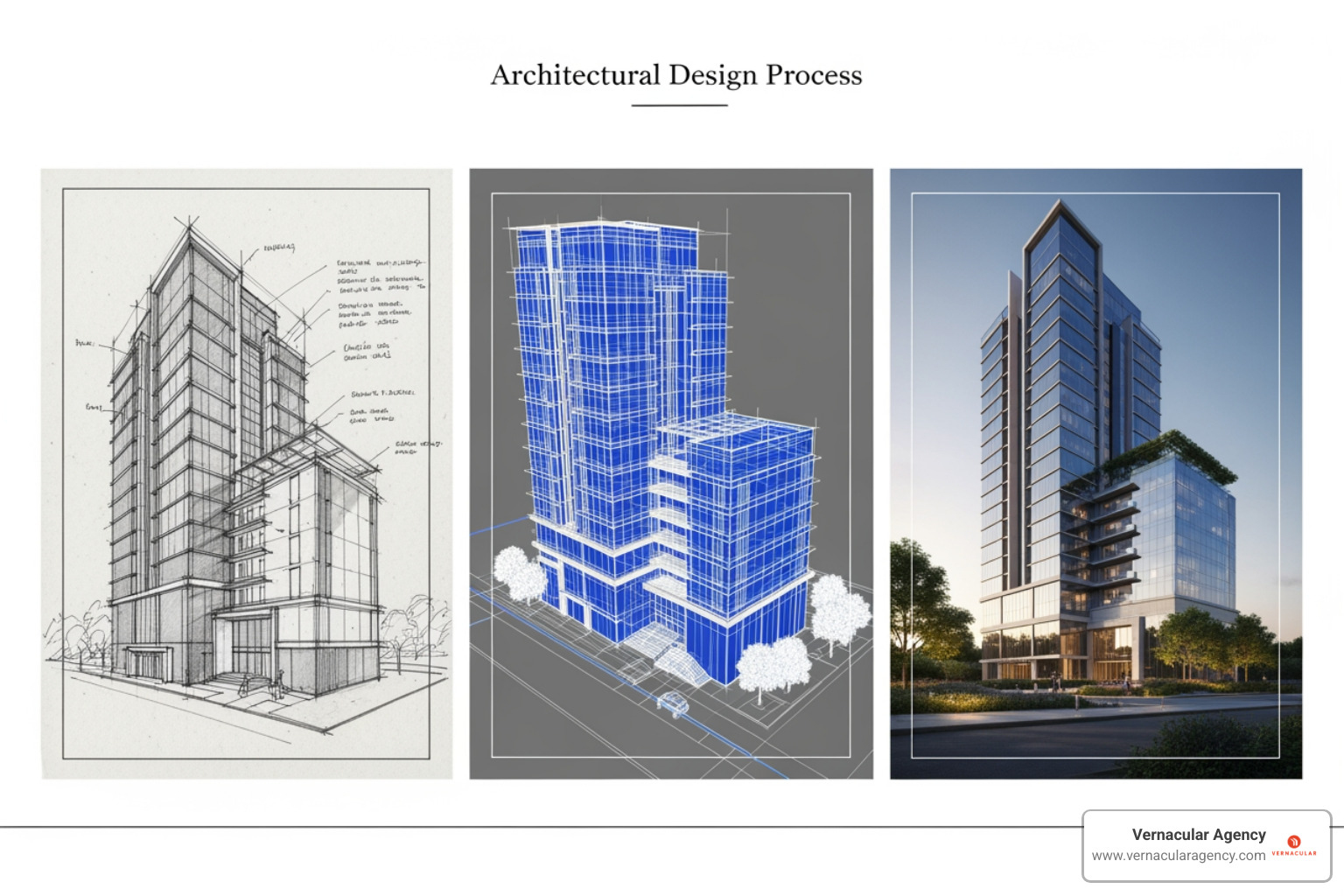
Take reviewers on a journey from concept to completion. Showing the evolution from sketch to model to rendering to technical drawing demonstrates the full range of your architectural thinking.
Treat your architect portfolio design as an architectural project. Graphic design principles will transform your projects into a cohesive, compelling story. The best portfolios share one trait: visual consistency. Every page should feel part of the same family, with consistent margins, intentional white space, and a clear visual hierarchy.
Our experience shows that simplicity wins. A cluttered portfolio confuses and dilutes your message. Your projects are the stars; the design should support them, not compete. The goal is a "practical layout, a clever picture placement, and an overall structure that will keep the reader engaged." Our Branding and Identity Lookbook explores these principles in depth.
Foundational design decisions have a huge impact on how your work is perceived. First, choose a format: landscape, portrait, or square. Landscape formats suit wide renderings, portrait layouts are more traditional, and square formats offer a modern aesthetic. Consider which format best showcases your projects and how it will be viewed.
Next, select a color palette. Most successful portfolios use a minimalist, neutral foundation (black, white, gray) to let project images pop. You can add one or two accent colors, like a "blue undertone with yellow accents," to highlight key information. Use tools like Adobe Colour or Coolors to experiment.
Typography communicates professionalism instantly. Start with a clean sans-serif font like Helvetica for headings and pair it with a readable body text font. Establish a clear hierarchy with larger, bolder fonts for titles, medium weights for subheadings, and comfortable sizes for descriptions. Browse Google Fonts or myfonts.com for inspiration.
Just as a building needs a structural system, your portfolio needs a grid. A 12-column grid in a program like InDesign is your secret weapon for a polished look. Grids ensure consistent margins and alignment, creating a "flawless structure" that's intuitive to steer.
White space is a powerful design tool, not wasted space. It prevents pages from feeling cramped and puts "the accent to be put on the content." A viewer's eye should move naturally, never feeling overwhelmed. Every element must earn its place; if it doesn't add value, cut it. This precision reflects the exactitude required in architecture. For minimalist inspiration, check out Hirotaka Rosono's site.
Your cover page is your first impression. It should set the tone for the entire portfolio. Start with a high-resolution hero image of your best work. Keep the text minimal: your name, title ("Architectural Designer"), and perhaps a version number. Let the visual do the talking.
Ensure the cover's design aligns with your portfolio's visual language—same fonts, colors, and sophistication. This consistency builds trust. After the cover, include a brief introduction page. Share who you are, your background, and what drives your design thinking. A few concise paragraphs will give context to the work that follows.
This initial branding establishes your professional identity. For more on this, explore Brand Identity for Architects. Your architect portfolio design is the visual embodiment of your professional brand.
You can't create just one portfolio. Your architect portfolio design must work across multiple formats—digital PDF for emails, print for interviews, and a website for online findy. Each medium has unique strengths, and leveraging them is key.
Understand your audience and the context. A portfolio viewed on a phone requires different design decisions than one presented in a conference room. Accessibility is crucial; your work must be easy to view and understand on any medium. Getting this right can make or break opportunities, a topic we cover in our work on Website Design for Architects.
A common pitfall is file size. Many portfolios are rejected because they are too large. The golden rule: keep your PDF under 6MB. As one industry standard notes, "No more than 6 Mb, otherwise, the receiving server may reject it because of size."
This doesn't mean sacrificing quality. Use strategic compression settings when exporting from InDesign or Photoshop to maintain crisp images while managing file size. A digital PDF can also be interactive. Embed hyperlinks to your website, project videos, or LinkedIn profile to transform it from a static document into a gateway to your professional presence.
Pay attention to on-screen readability. Test your PDF on multiple devices (phone, tablet, computer) to ensure fonts are legible, colors are consistent, and images are sharp at various zoom levels.
A portfolio website is essential. Unlike a PDF or print version, a website offers virtually unlimited space to tell your story. You can include more projects, embed videos, add animations, and share client testimonials without worrying about file size or page count.
A well-optimized website with strong SEO works for you 24/7, attracting employers and clients who are actively searching for architects. This is a game-changer for your career.
Focus on user experience. Ensure your site is easy to steer, loads quickly, and is responsive on all devices. Platforms like Adobe Portfolio, Squarespace, Wix, or WordPress provide tools to create a professional site without coding. All the design principles we've discussed apply here, with the added dimension of user flow. For inspiration, explore our collection of Great Architecture Websites.
| Features | Digital PDF | Website | |
|---|---|---|---|
| Portability | High (easily emailed/downloaded) | Medium (physical carrying) | High (accessible anywhere with internet) |
| Interactivity | Moderate (hyperlinks, embedded media) | Low (static pages) | High (videos, animations, dynamic content) |
| Editability | High (can update and re-export easily) | Low (requires reprinting) | High (can update instantly) |
| Capacity | Moderate (limited by file size) | Moderate (limited by physical bulk) | High (virtually unlimited) |
| Tactile Quality | None | High (paper, binding, textures) | None |
| Initial Cost | Low (software, time) | Medium (printing, binding materials) | Medium-High (hosting, domain, design/dev) |
| Best For | Email applications, quick reviews | In-person interviews, formal presentations | Attracting inbound leads, broad exposure |
Your architect portfolio design is your secret weapon for school applications and job searches. It's the visual story that sets you apart, showing who you are as a designer and what you can contribute.
Treat your portfolio as a conversation starter. In an interview or application, it becomes the centerpiece for communicating your capabilities. Successful architects use their portfolios to guide discussions, highlight problem-solving skills, and demonstrate their unique design perspective. This strategic approach is a core part of any Marketing Strategy for Architects.
A one-size-fits-all portfolio is a missed opportunity. The most successful architects customize their architect portfolio design for each application. This extra effort is worth it.
Research the firm or school. What are their specializations, design philosophy, and values? Use this information to strategically feature relevant projects. If a firm is known for sustainable design, lead with your eco-friendly projects. If a program emphasizes experimental thinking, feature your most conceptual work. This isn't about being dishonest; it's about highlighting alignment.
Customize your introduction to explicitly connect your interests to their practice or program. This personalization shows genuine interest and professionalism.
Before submitting your portfolio, get feedback. Fresh eyes will catch things you've missed. Mentors—professors, practicing architects, or hiring professionals—can offer invaluable insights into what resonates with reviewers. They've seen hundreds of portfolios and know what makes one memorable.
Peers are also important. They can point out confusing layouts or unclear writing, experiencing your portfolio as a reviewer would. This process is about more than catching typos (though proofreading is essential); it's about polishing your narrative and refining your presentation.
Certain avoidable mistakes appear frequently in portfolios. Here are the most common ones to avoid:
This guide has covered the essentials of architect portfolio design, but your portfolio is not a static document. It's a living representation of your professional journey that should evolve as you grow.
Think of your portfolio as your most valuable career tool. It opens doors to interviews, academic programs, and potential clients. Every refinement you make is an investment in your future.
The key takeaways are simple: Quality trumps quantity. A focused collection of 6-12 strong projects is best. Visual consistency matters. Attention to typography, color, and grids shows you care about details. Your narrative matters. Describing your process, role, and philosophy transforms images into a compelling story.
At Vernacular Agency, we help design firms craft their visual identities. We know the power of strategic presentation, and your portfolio deserves the same thoughtful attention. It communicates who you are as a designer and where you're headed.
Accept your portfolio's evolution. Seek feedback, stay curious, and let your work reflect the passion that drew you to architecture.
Ready to build a powerful online presence? Explore our web development services to create a digital portfolio that truly showcases your architectural vision and attracts the opportunities you deserve.