Design

Signage Success: Crafting Compelling Digital Content Made Easy

Why Your Screen's Content is King

Digital signage content creation is the process of designing and producing visual materials—images, videos, animations, and interactive elements—for display on digital screens in retail stores, offices, restaurants, and public spaces. Here's what you need to know:

The 5 Essential Steps to Effective Digital Signage Content:

  1. Strategy - Define your audience, goals, and message
  2. Design - Create visually compelling content optimized for screens
  3. Creation - Use the right tools and formats for your displays
  4. Deployment - Schedule and publish content across your network
  5. Measurement - Track performance and refine based on data

The stakes are higher than you might think. Digital signage can increase in-store traffic by nearly 33% and boost sales by up to 33%. But here's the catch: viewers typically glance at a digital sign for just a few seconds. That means your content needs to grab attention immediately and communicate clearly, or it's just expensive wallpaper.

The difference between effective and ineffective digital signage isn't the technology—it's the content. As Bill Gates said, "Content is king." Even the most advanced digital signage setup will fail without thoughtful, well-designed content that resonates with your audience.

Whether you're displaying promotional videos in a retail store, sharing company updates in an office lobby, or advertising meal deals in a restaurant, the principles remain the same: the right message, at the right place, at the right time, to the right audience.

I'm Rebecca Falzano, Creative Director at Vernacular Agency, where I've spent nearly 15 years guiding digital signage content creation projects from initial concept through final production, working with designers, photographers, and writers to craft compelling visual narratives. My experience as a shelter magazine editor in New York City and Maine has taught me how to bring stories to life across diverse platforms, and I'm excited to share these insights with you.

Infographic showing the 5 key steps to effective digital signage content creation: 1. Strategy - Define audience, goals, and placement with icons of target audience and business objectives. 2. Design - Create simple, high-contrast visuals with large fonts and minimal text showing design principles. 3. Creation - Use templates, design tools, and appropriate file formats with icons of software and file types. 4. Deployment - Schedule content updates and manage displays remotely with calendar and screen icons. 5. Measurement - Track engagement, foot traffic, and sales lift with analytics dashboard illustration. - digital signage content creation infographic pillar-5-steps

Building Your Blueprint: A Winning Content Strategy

Before we dive into the exciting world of pixels and animations, let's talk strategy. Just like building a house requires a blueprint, effective digital signage content creation demands a solid plan. Without it, even the most beautiful content can miss the mark. We need to ensure the right message is displayed at the right place, at the right time, and to the right audience. This foundational work ensures your digital signs aren't just decorative, but powerful communication tools. For a deeper dive into strategic planning, you might find our insights on Marketing Strategy for Architects particularly useful, as the principles of audience understanding and goal setting apply universally across marketing disciplines.

A team brainstorming in front of a whiteboard, outlining audience personas, content goals, and KPIs for digital signage. - digital signage content creation

Defining Your "Why": Goals and Audience

Every successful digital signage campaign starts with understanding your "why." What do you want to achieve? Is it to create a "WOW" experience for your customers, improve internal communication, or drive sales? Once your goal is clear, we strongly encourage you to start your digital signage content creation strategy by determining your target audience. Learn as much as you can about the people you want to reach. Look into their demographics (age, sex, etc.) and lifestyle. For instance, a jewelry store planning a Valentine's Day campaign would target spouses looking for gifts, not just anyone walking by.

Your business goals should directly inform your content. If the goal is to increase sales, your content will feature promotions and clear calls-to-action (CTAs). If it's internal communication, think about engaging employee updates. Key Performance Indicators (KPIs) will then help you measure if you're hitting those goals, whether it's tracking increased foot traffic (up to 33%!) or a boost in sales (also up to 33%).

Location, Location, Location: Context is Everything

Where your digital sign is placed profoundly impacts what content works best. A display in a high-traffic area, like a busy waiting room or a storefront window in Portland, Maine, needs quick, attention-grabbing messages. Viewers might only glance for a few seconds. Conversely, a screen in a lounge area or a restaurant where people have more dwell time can accommodate richer, more detailed content.

After defining your target audience and signage goal, it's time to decide the best location for your digital signage content. We recommend observing your target audience before placing displays. How do people interact with the space? What are the "hotspots" or gathering zones? For example, digital signage in an underground station near high-traffic and waiting areas can effectively capture attention. This context allows us to tailor content that truly resonates, whether it's a dynamic menu board in a restaurant or an informative display in a corporate office.

Staying On-Brand and Compliant

Maintaining brand consistency is paramount for any business, and digital signage content creation is no exception. Your digital displays are a direct extension of your brand identity. This means meticulous attention to logo usage, color palettes, and typography. Every piece of content should instantly be recognizable as yours. For comprehensive guidance on developing a cohesive brand presence, explore our Brand Identity services. A strong Brand Standards Guide ensures that whether your logo appears on a business card or a large digital screen, it always looks its best and conveys the right message.

Beyond aesthetics, we also need to consider legal and accessibility considerations. While specific ADA guidelines for digital signage can vary, the general principle is to ensure your content is accessible to as many people as possible. This includes considerations for font size, contrast, and avoiding rapidly flashing imagery that could trigger seizures. Additionally, ensure any promotional content complies with advertising regulations. Content experts often track compliance needs across various industries, highlighting the importance of staying informed.

The Art of Creation: Designing Content That Captivates

Once our strategy is rock-solid, we move to the exciting part: bringing your message to life through captivating design. This is where visual appeal, engagement, and readability converge to create content that doesn't just inform, but truly resonates. At Vernacular Agency, our Content Creation & Creative Direction services are all about crafting visuals that tell your story powerfully and effectively.

The Three Pillars of Content: Static, Dynamic, and Interactive

Digital signage offers a rich mix of content types, each with its unique strengths. Understanding these "pillars" is key to effective digital signage content creation:

Content TypeEngagement PotentialCostCreation ComplexityBest Use Case
StaticLow-ModerateLowLowAnnouncements, simple branding, informational slides with long dwell times
DynamicModerate-HighMedMed-HighPromotions, news feeds, social media, weather, real-time data, product showcases
InteractiveHighHighHighWayfinding, customer service kiosks, surveys, games, personalized experiences

Static content, like images or simple text slides, is straightforward to create and great for general announcements or branding where viewers have more time to read. However, animated and video content is often more engaging than static images, making dynamic content a powerful tool. This includes images, videos, animations, live web pages, social media feeds, news tickers, and even PowerPoint presentations. We can integrate social media feeds or user-generated content (UGC) to keep your displays fresh and relevant.

Interactive content, on the other hand, allows viewers to engage directly with the screen, perhaps through a touchscreen kiosk in a retail store or a motion-activated display that triggers content when someone approaches. This can be a great way to engage with consumers and create memorable experiences.

Design Best Practices for Maximum Impact

Viewers typically glance at a digital sign for just a few seconds. This means our design principles must prioritize clarity and impact.

  1. Simplicity is King (or Queen!): The "less is more" principle is crucial. Avoid cluttering the screen with too much information. Each slide should convey one primary message quickly.
  2. Visual Hierarchy: Guide the viewer's eye. Use techniques like the F-pattern (where eyes scan across the top, then down the left side) or the Rule of Thirds to prioritize information and create a balanced layout.
  3. High-Contrast Colors: Ensure excellent readability by using colors that stand out against each other.
  4. Legible Fonts: Opt for sans-serif typefaces (like Arial or Helvetica) with bold letters. Choose a suitable font size that can be read from a distance. Keep text to a maximum of three lines and use short, concise messages.
  5. High-Quality Visuals: Pixelated images or grainy videos are instant turn-offs. Always use high-resolution images and videos optimized for the screen.

For a foundational understanding of these principles, check out Graphic Design 101 for marketers. It emphasizes that understanding these basics helps you communicate effectively with designers and lift your marketing materials.

Sizing It Up: Designing for Different Screens and Resolutions

One size does not fit all in digital signage. Content needs to be precisely custom to the screen it will be displayed on.
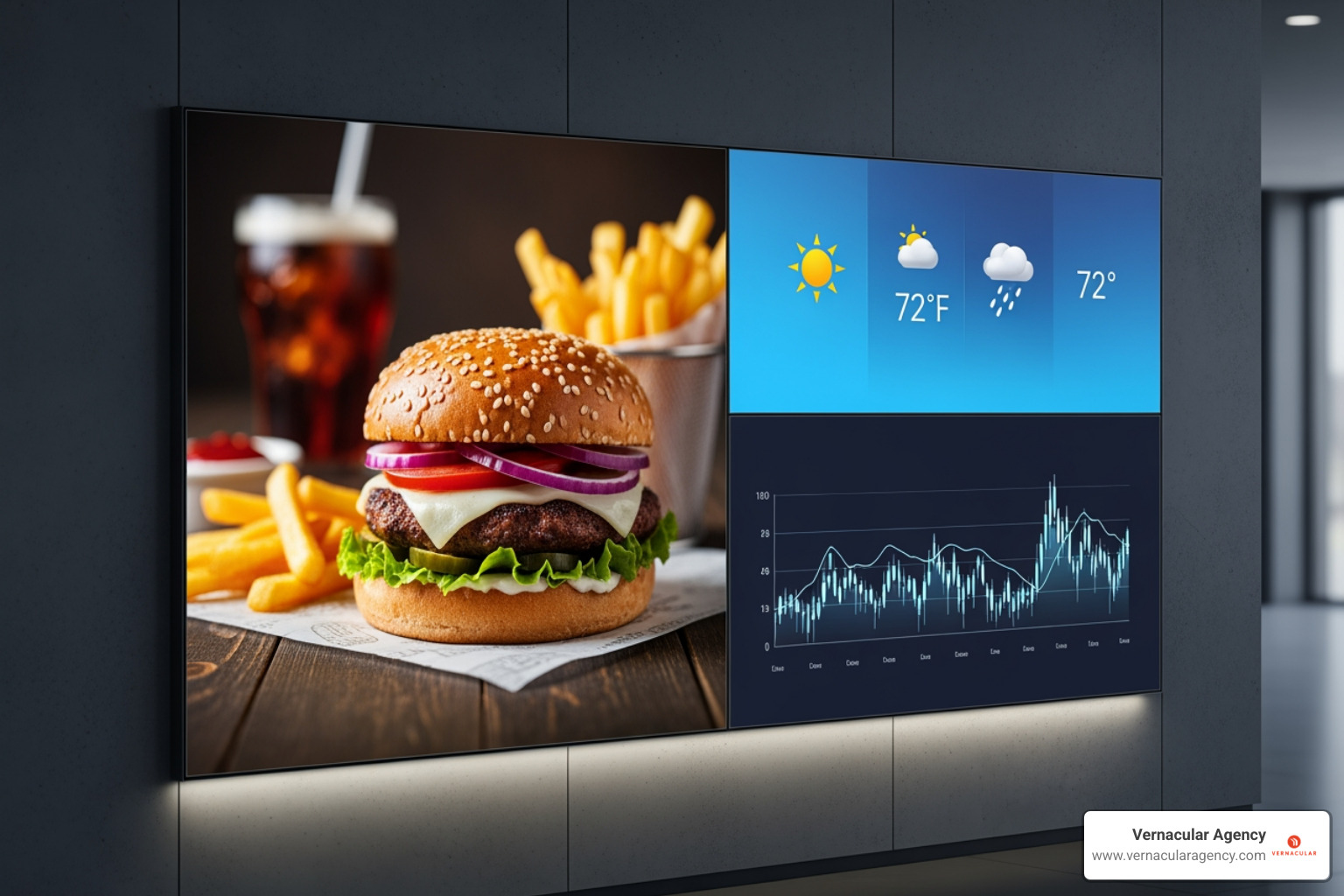
  • Aspect Ratios: Most digital signage displays use a 16:9 aspect ratio (widescreen), but many also use portrait orientations. Designing with a template custom for digital signage can help maintain the correct aspect ratio.
  • Screen Resolution: Whether it's HD (1080p) or 4K, ensure your content is created at the native resolution of the display. Using low-resolution assets on a high-resolution screen will result in blurry, unprofessional visuals.
  • Orientation: Content designed for a landscape screen will look stretched or squished on a portrait screen, and vice-versa. Always design specifically for the intended orientation.
  • File Formats: We typically use JPG, GIF, BMP, MP4, MOV, and MPG2 for pre-built media. PNG files are great for images with transparency, and SVG for vector graphics on the web. Video formats like MP4 are standard for motion content.

Digital signage content optimized for both landscape and portrait screen orientations, showing clear, readable text and images. - digital signage content creation

Common Pitfalls to Avoid in Your Content Design

Even experienced content creators can stumble. Here are some common traps to avoid during digital signage content creation:

  • Overcrowding the Screen: The biggest culprit! Resist the urge to cram too much information onto one slide. Remember the "few seconds glance" rule.
  • Too Much Text: Long paragraphs are often overlooked. Keep text minimal, legible, and to the point—ideally, no more than three lines.
  • Low-Resolution Assets: Nothing screams "unprofessional" faster than pixelated images or videos. Always use high-quality, optimized media.
  • Forgetting a Clear CTA: What do you want your audience to do? Visit your website? Ask a staff member? Make it obvious!
  • Inconsistent Branding: Mixing fonts, using off-brand colors, or inconsistent logo usage creates confusion and erodes trust. Stick to your Brand Standards Guide.

The Ultimate Guide to Digital Signage Content Creation Tools

The good news is that you don't need to be a graphic design genius to create stunning digital signage content. The market is brimming with tools designed to simplify the process, making digital signage content creation more efficient and cost-effective than ever before.

All-in-One Digital Signage Platforms (CMS)

Many businesses, including those in Portland, Maine, leverage comprehensive Content Management Systems (CMS) specifically designed for digital signage. These platforms offer a suite of features that go beyond just content creation:

  • Content Management: They allow you to upload, organize, and store all your media assets in one place.
  • Scheduling Features: Crucial for displaying the right message at the right time, allowing you to schedule content loops, daily updates, or even seasonal campaigns weeks in advance.
  • Remote Management: Manage content across multiple screens, whether they're in different rooms, buildings, or even cities, all from a single dashboard. This is incredibly useful for businesses with multiple locations.
  • Collaborative Workflows: Many platforms facilitate team collaboration, making it easier for designers, marketers, and managers to work together on content.
  • Template Libraries: Pre-designed templates for various industries (retail, corporate, healthcare, restaurants) allow for quick customization, ensuring brand consistency and saving significant design time.

Platforms like Appspace, Screenly, MagicINFO, Kitcast, OptiSigns, DigitalSignage.com, and Displai provide these capabilities, often with user-friendly interfaces that make deployment simple.

Standalone Design and Video Software

For those who prefer to create content outside an integrated CMS or need more advanced design capabilities, a range of standalone tools are available:

  • Graphic Design Tools: User-friendly options like Canva, PosterMyWall, Crello, PicMonkey, Pixlr, Artboard Studio, and Adobe CC Express offer templates, stock photos, icons, and easy drag-and-drop interfaces for creating static and animated graphics.
  • Video Editing Software: For more professional video content, tools like Biteable, WeVideo, InVideo, and Movavi offer robust features, including stock footage libraries, animations, and transitions.
  • Presentation Tools: Simple tools like Google Slides can be adapted for presentation-style digital signage, especially for internal communications or informational displays.

Many of these tools offer free versions or trials, making them budget-friendly options for businesses looking to explore digital signage content creation without a large initial investment.

The Future is Now: AI, Automation, and Personalization

The landscape of digital signage content creation is rapidly evolving, with exciting trends emerging:

  • AI-Powered Content Generation: Tools are beginning to integrate AI-assisted writing (like OptiSigns' ChatGPT integration) to help craft compelling messages and even generate design elements, streamlining the creation process.
  • Dynamic Data Integration: Imagine your digital menu board automatically updating prices from your POS system, or displaying real-time weather forecasts that trigger promotions for umbrellas on a rainy day. This is possible through dynamic data mapping, connecting your signage to live data feeds via tools like MagicINFO's DataLink or OptiSigns' OptiSync.
  • Motion-Activated Content: Triggered when a person is standing nearby, this unique way to grab attention can also reduce energy consumption. It offers a subtle form of interaction without requiring a touchscreen.
  • Personalized Messaging: As technology advances, digital signage will become even smarter, potentially delivering personalized content based on audience demographics or preferences, creating highly relevant and impactful experiences.

Measuring Success: Analytics, ROI, and Optimization

Putting content on screens is only half the battle. To truly succeed, we need to know if our efforts are paying off. This is where data, analytics, and continuous optimization come into play. Just as we carefully plan our Marketing Campaign Ultimate Guide, we apply the same rigor to digital signage.

The Role of Data in Refining Your Content

Data is our best friend when it comes to refining digital signage content creation. Platforms often provide analytics that help us understand how viewers are engaging:

  • Tracking Engagement: Are people looking at your signs? For how long (dwell time)?
  • Interaction Rates: For interactive displays, how many people are touching the screen? What are they interacting with?
  • A/B Testing: By displaying different versions of content and measuring their performance, we can pinpoint what resonates most with your audience. This iterative process allows us to constantly improve.

Displai, for example, uses AI technology to determine the customer experience impact on in-location sales revenue, providing tangible insights into content effectiveness.

How to Measure the ROI of Your Digital Signage

Measuring the Return on Investment (ROI) of your digital signage isn't always straightforward, but it's crucial. We look at several key indicators:

  • Sales Lift: Directly connecting content (e.g., a promotion) to an increase in sales of the featured product or service. Digital signage can increase sales by up to 33%!
  • Foot Traffic Changes: Tracking how many people enter your establishment after viewing your outdoor or window signage. Digital signage can increase foot traffic by up to 33%.
  • QR Code Scans: Including QR codes on your content allows for direct tracking of engagement and website visits.
  • Brand Recall Surveys: While less direct, surveys can assess if your digital signage is improving brand awareness and memorability.

By carefully monitoring these metrics, we can demonstrate the tangible value of your digital signage content creation efforts.

Best Practices for Efficient Digital Signage Content Creation and Updates

Efficiency is key to sustainable digital signage operations.

  • Content Update Frequency: This depends on context. For promotional content, switching it out every few weeks keeps it relevant and fresh. If your digital signage is in a high-traffic area, consider updating daily or weekly to maintain viewers' interest. Seasonal events or daily specials are perfect opportunities for fresh content.
  • Scheduling Content Loops: Plan your content in advance. Most CMS platforms allow you to create playlists and schedule them to run at specific times or on certain days.
  • Automating Updates with Data Feeds: Leverage dynamic data integration for content that updates itself. This is incredibly efficient for menu boards, news feeds, or internal dashboards, reducing manual effort and ensuring real-time accuracy.

Frequently Asked Questions about Digital Signage Content

We often encounter similar questions from businesses starting on their digital signage content creation journey. Here are some of the most common ones:

How can I create digital signage content on a budget?

Creating impactful digital signage doesn't have to break the bank. Here's how:

  • Use Free Design Tools: Many platforms like Canva offer robust free versions with templates, stock images, and easy-to-use interfaces. PosterMyWall also has free plans for creating infographics and digital menu boards.
  • Leverage Templates: Most digital signage CMS platforms come with extensive template libraries. These are professionally designed and can be easily customized with your brand's colors, logos, and messages.
  • Repurpose Existing Marketing Assets: Don't reinvent the wheel! Adapt existing print ads, website graphics, or social media visuals for your digital screens, ensuring they meet resolution and aspect ratio requirements.
  • Focus on High-Impact, Simple Designs: Sometimes, the most effective content is the simplest. A clear message with a strong visual can be more powerful than a complex, expensive animation.

What's the most engaging type of digital signage content?

The most engaging content captures attention and encourages interaction. Based on our experience and industry insights:

  • Video and Animated Content: Research consistently shows that motion (video, animations, GIFs) is more engaging than static images. It naturally draws the eye and can convey more information in a short period.
  • Interactive Content: Touchscreen kiosks, motion-activated displays, or content triggered by proximity create a direct engagement loop, making the experience memorable.
  • Timely and Relevant Content: Content that feels current and specific to the viewer's context is highly engaging. This could be live news feeds, social media walls, weather-triggered promotions (e.g., "It's raining! Come in for a hot coffee!"), or real-time event schedules.

How do I ensure my content is readable from a distance?

Readability from a distance is crucial, especially for screens in high-traffic areas where viewers have limited time to process information.

  • Use Large, Bold Fonts: Opt for sans-serif typefaces (like Arial, Helvetica, or Open Sans) as they are generally easier to read on screens. Make the font size significantly larger than you would for print.
  • Limit Text to a Few Lines: Stick to headline-style messaging. We often recommend the "3x5 rule": no more than 3 lines of text, with a maximum of 5 words per line.
  • Ensure High Contrast: Use contrasting colors for text and background (e.g., dark text on a light background, or vice-versa). Avoid busy backgrounds that make text difficult to discern.
  • Test Readability: Before deploying, stand at a typical viewing distance from your screen and see if you can easily read and understand the message within a few seconds. If you have to squint or strain, it needs adjustment.

Conclusion: Transform Your Screens into Strategic Assets

From the busy streets of Portland, Maine, to corporate lobbies across the country, digital signage content creation is no longer just about putting pretty pictures on screens. It's a strategic endeavor that, when executed thoughtfully, can significantly boost engagement, drive sales, and improve your brand presence.

Remember these key takeaways:

  1. Strategy Before Design: Always start with a clear understanding of your audience, goals, and location.
  2. Design for Quick Glances: Your content has mere seconds to make an impact, so prioritize simplicity, high contrast, and legible visuals.
  3. Measure and Refine: Use data and analytics to understand what's working and continuously optimize your content for maximum effect.

At Vernacular Agency, we believe your digital screens are powerful assets waiting to be open uped. We're passionate about crafting compelling visual narratives that not only grab attention but also deliver measurable results. Let us help you transform your digital signage into a dynamic communication channel that captivates your audience and achieves your business objectives.

Learn more about our Content Creation & Creative Direction services.